Transform Speech into Visuals with VoiceToVisual App
- Claire McClintock
- Jun 23
- 4 min read

In a world where communication is increasingly visual, the ability to transform spoken words into engaging visuals can be a game-changer. The VoiceToVisual App offers a unique solution that allows users to convert their speech into stunning visual representations. This innovative tool not only enhances presentations but also makes learning and sharing information more interactive and enjoyable.
What is VoiceToVisual?
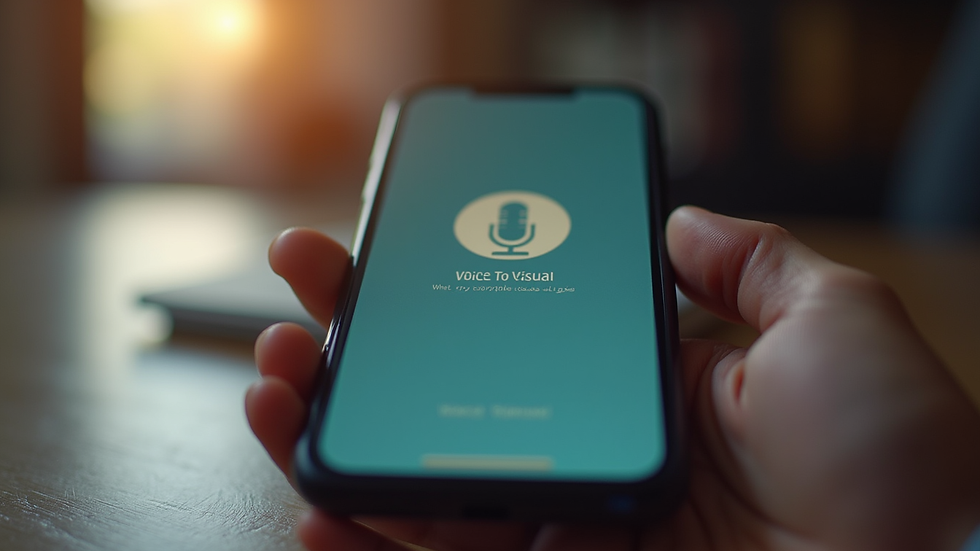
VoiceToVisual is an application designed to bridge the gap between auditory and visual learning. By utilizing advanced speech recognition technology, the app captures spoken words and translates them into visuals in real-time. This feature is particularly beneficial for educators, content creators, and anyone looking to enhance their storytelling capabilities.
Key Features of VoiceToVisual
Real-Time Conversion: The app processes speech instantly, allowing users to see visuals as they speak.
Customizable Visuals: Users can choose from a variety of templates and styles to match their content and audience.
User-Friendly Interface: The app is designed with simplicity in mind, making it accessible for users of all skill levels.
Integration Capabilities: VoiceToVisual can be integrated with other platforms, enhancing its functionality and reach.
How Does VoiceToVisual Work?
The process of transforming speech into visuals with VoiceToVisual is straightforward:
Speak: Users simply speak into the app, and it captures their voice.
Process: The app uses speech recognition technology to analyze the spoken words.
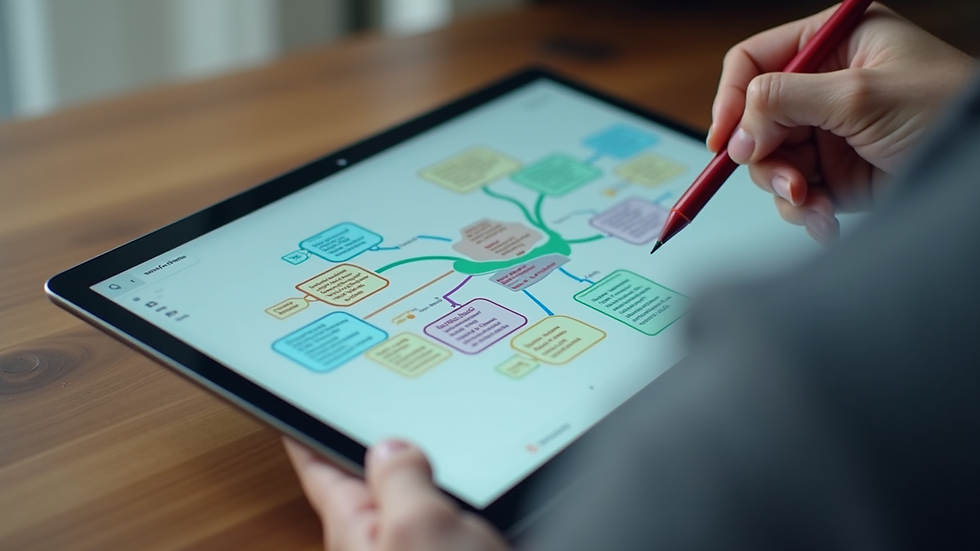
Visualize: Based on the content, the app generates relevant visuals that represent the key ideas and concepts.
Share: Users can then share their visual presentations directly from the app or export them for use in other applications.
This seamless process makes it easy for anyone to create engaging content without needing extensive design skills.
Benefits of Using VoiceToVisual
Enhanced Engagement
Visuals are known to capture attention more effectively than text alone. By using VoiceToVisual, users can create dynamic presentations that keep their audience engaged. This is especially useful in educational settings, where visual aids can enhance understanding and retention of information.
Improved Learning Outcomes
Studies show that combining auditory and visual learning can significantly improve comprehension. VoiceToVisual caters to different learning styles, making it an effective tool for educators looking to reach a diverse group of students.
Time Efficiency
Creating visuals from scratch can be time-consuming. VoiceToVisual streamlines this process, allowing users to focus on their content rather than the design. This efficiency is particularly beneficial for busy professionals and educators who need to produce high-quality materials quickly.
Versatility
Whether you are a teacher, a content creator, or a business professional, VoiceToVisual can be adapted to various contexts. The app is suitable for creating educational materials, marketing content, or even personal projects. Its versatility makes it a valuable tool for anyone looking to enhance their communication.
Practical Applications of VoiceToVisual
In Education
Teachers can use VoiceToVisual to create interactive lessons that cater to different learning styles. For example, a science teacher could explain a complex concept while the app generates diagrams and illustrations that help students visualize the information. This approach not only aids comprehension but also makes learning more enjoyable.
In Content Creation
Content creators can leverage VoiceToVisual to produce engaging videos and presentations. By speaking their ideas aloud, they can generate visuals that complement their narrative, making their content more appealing to viewers. This method can be particularly effective for YouTube creators, podcasters, and bloggers.
In Personal Projects
Individuals can use VoiceToVisual for personal projects, such as creating visual diaries or storytelling presentations. By transforming their thoughts and experiences into visuals, users can share their stories in a more impactful way.
Tips for Maximizing VoiceToVisual
To get the most out of the VoiceToVisual app, consider the following tips:
Practice Your Speech: Before using the app, practice what you want to say. This will help you articulate your ideas clearly and ensure that the visuals generated align with your message.
Choose the Right Templates: Take advantage of the customizable templates available in the app. Selecting a template that fits your content will enhance the overall presentation.
Engage with Your Audience: When using the app in a live setting, interact with your audience. Ask questions and encourage participation to make the experience more engaging.
Review and Edit: After generating visuals, take the time to review and edit them as needed. This will ensure that your final presentation is polished and professional.
Challenges and Considerations
While VoiceToVisual offers numerous benefits, there are some challenges to consider:
Speech Recognition Accuracy: The effectiveness of the app relies on accurate speech recognition. Users should speak clearly and at a moderate pace to ensure the app captures their words correctly.
Visual Quality: The quality of the generated visuals may vary based on the complexity of the content. Users may need to make adjustments to achieve the desired look.
Learning Curve: Although the app is user-friendly, there may still be a learning curve for new users. Taking the time to explore its features will help users become more proficient.
Conclusion
The VoiceToVisual app is a powerful tool that transforms speech into engaging visuals, making communication more effective and enjoyable. By leveraging its features, users can enhance their presentations, improve learning outcomes, and create captivating content. Whether you are an educator, content creator, or simply someone looking to share your ideas, VoiceToVisual can help you connect with your audience in a meaningful way.
As you explore the possibilities of this innovative app, remember to practice, engage with your audience, and customize your visuals to create the best experience possible. Start transforming your speech into visuals today and elevate your communication to new heights!

Comments